


Best CRM for Solopreneurs in 2026 — The Honest Guide for Solopreneurs
Finding the best CRM for solopreneurs isn't about getting the most powerful software—it's about finding the right system to turn your messy contacts into a streamlined, money-making machine. You're juggling clients, leads, and projects, and your current system of spreadsheets, sticky notes, and a stressed-out memory is starting to crack. This guide cuts through the noise, giving you straight-talking advice based on 16 years of in-the-trenches experience so you can choose a tool that actually helps, not hinders, your one-person business. Our buying guides are designed to make these decisions easier.

Why Finding the Right CRM Tools Matters
Choosing the wrong CRM is more than just a frustrating software experience; it's a direct hit to your bottom line. When you're a solopreneur, every lead is gold. The wrong tool—one that's too complex, too expensive, or poorly suited to your workflow—causes you to drop the ball. You forget to follow up, miss opportunities, and spend more time fighting your software than talking to clients. It creates a constant, low-level anxiety that you're not on top of your business, and that feeling is a momentum killer.
I've seen it happen dozens of times. A freelancer invests in a sales-heavy CRM designed for a team of ten, gets overwhelmed by the features, and abandons it within a month, wasting both time and money. A consultant sticks with a spreadsheet for too long, only to realize they have no real visibility into their client relationships or sales pipeline. The right CRM gives you clarity, confidence, and a repeatable process for growth. It’s the difference between a business that feels chaotic and one that feels controlled and scalable.
What to Look for in CRM Tools
When evaluating the best CRM for solopreneurs, don't get distracted by flashy features you'll never use. Focus on these five core criteria that actually matter for a one-person operation.
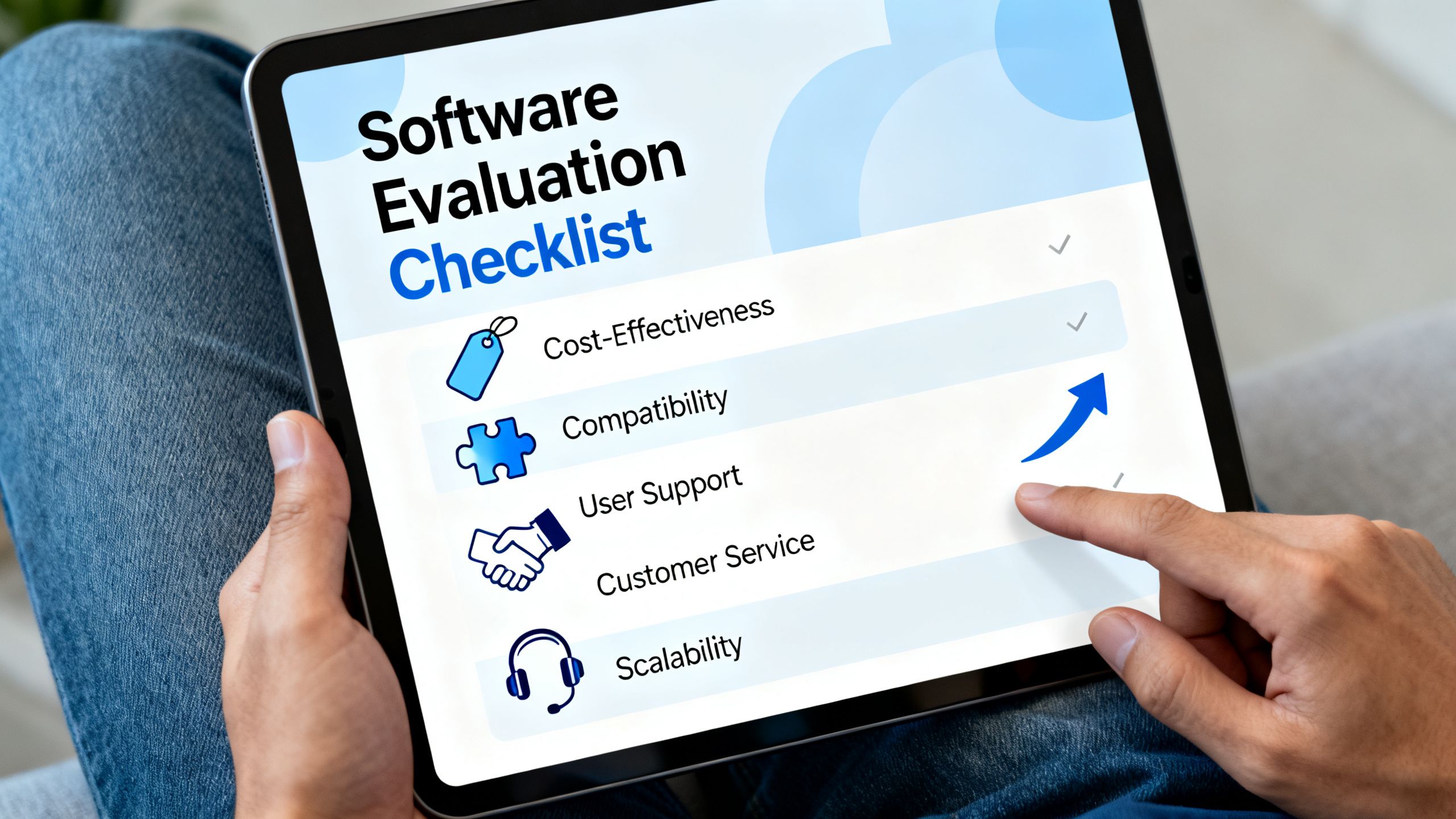
Pricing: Look for a generous free plan or an affordable entry-level tier. As a solopreneur, your budget is tight. Avoid tools with high starting costs or per-user pricing that doesn't make sense for a business of one. A transparent, predictable monthly fee is key.
Ease of Use: You don't have an IT department. The CRM should be intuitive from day one. If you can't figure out how to add a contact and schedule a follow-up within 15 minutes, it's too complicated. A clean, simple interface always wins over a cluttered, feature-packed one.
Integrations: Your CRM must play well with the other tools you already use. Native integrations with your email (Gmail/Outlook), calendar, and maybe a proposal or invoicing tool are non-negotiable. This creates a central hub and eliminates time-wasting manual data entry. Check out our other tool categories to see how your stack can work together.
Support: When something goes wrong, you need help fast. Check what level of support is offered on the plan you're considering. Is it just a knowledge base, or can you access email or chat support? Good support can be a lifesaver.
Scalability: The tool you choose today should be able to grow with you tomorrow. It needs to handle more contacts, and perhaps offer features like email marketing or deal pipelines that you can adopt as your business expands. You don't want to have to migrate all your data in a year.
How We Selected These Tools
I'm Chris Gulli, and my recommendations are built on 16 years of running a digital marketing agency and helping solopreneurs navigate the confusing world of business software. Every tool on this list has been personally tested in a real-world setting. There are no sponsored rankings or paid placements here—just honest opinions on what works for a one-person business. At Chris Gulli's Tools, we've reviewed over 300 tools across 34 categories to provide you with unbiased, practical advice you can trust.
The Best CRM for Solopreneurs — Our Top Picks
After extensive testing, here are the top 5 CRMs that consistently deliver the most value for solopreneurs.
HubSpot CRM
HubSpot CRM is the undisputed champion for solopreneurs who need a powerful, all-in-one platform without the price tag. It's more than just a contact database; it's a full suite of marketing, sales, and service tools. The free version is so robust that many solopreneurs never need to upgrade. It's best for those who want a central hub to manage contacts, track deals, schedule meetings, and even engage with leads via live chat on their website. Standout features include the visual sales pipeline, email tracking within your inbox, and a free meeting scheduler that eliminates back-and-forth emails. While the paid plans can get pricey, the free-forever plan offers more than enough to get started and grow.

Folk
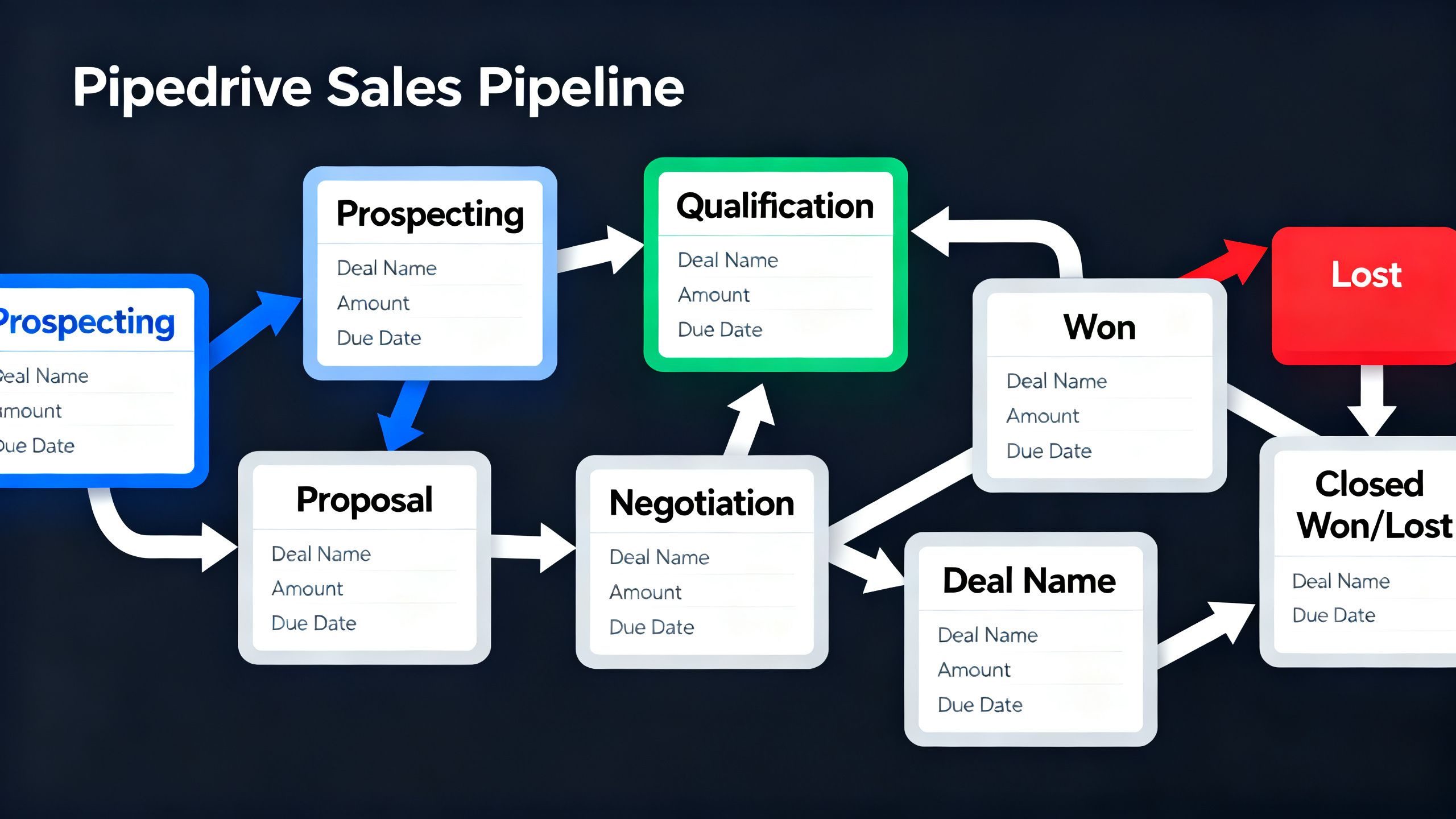
Folk is the modern, beautifully designed CRM for solopreneurs who prioritize relationship-building over aggressive sales tactics. It feels less like a rigid database and more like a smart, collaborative address book. It's perfect for freelancers, consultants, and creatives who manage a network of contacts, collaborators, and clients. Its standout features are its powerful Chrome extension for adding contacts from anywhere on the web, customizable views (pipelines, lists, boards), and Magic Fields that can automatically enrich contact data. Pricing is straightforward, starting with a free plan for up to 100 contacts and paid plans that offer more capacity and features like email sequencing.
Notion
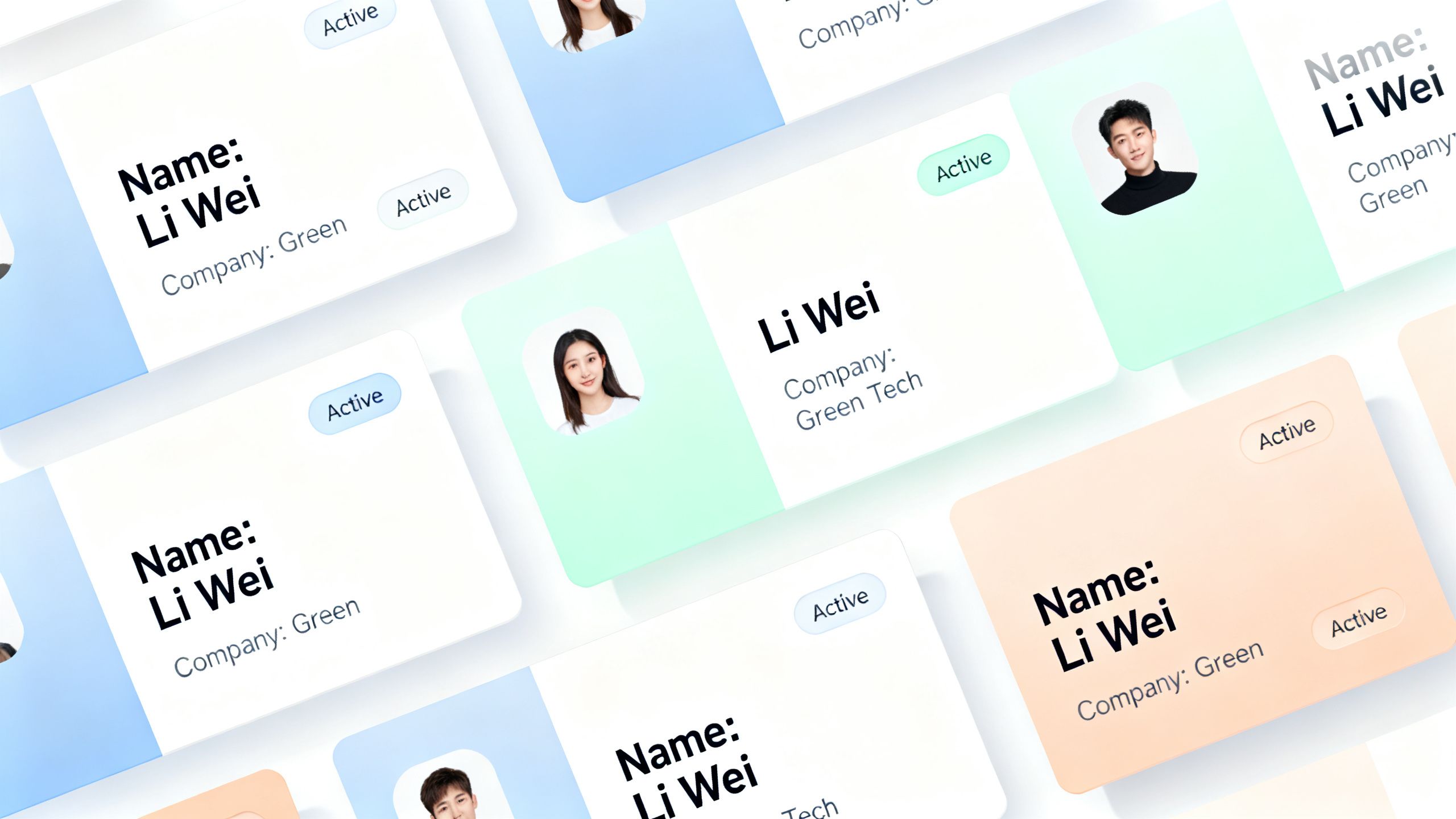
While not a traditional CRM, Notion has become the go-to for countless solopreneurs who crave ultimate flexibility. If you're a DIY-er who loves to build custom systems, you can create a perfectly tailored CRM inside Notion. It's best for solopreneurs who want to combine their CRM with project management, note-taking, and content planning all in one place. The standout features are its database functionality (which can be viewed as tables, boards, calendars, etc.), the ability to link contacts directly to projects and notes, and the vast number of community-built templates. The free plan is very generous, and the Plus plan is incredibly affordable for what it offers.
Pipedrive
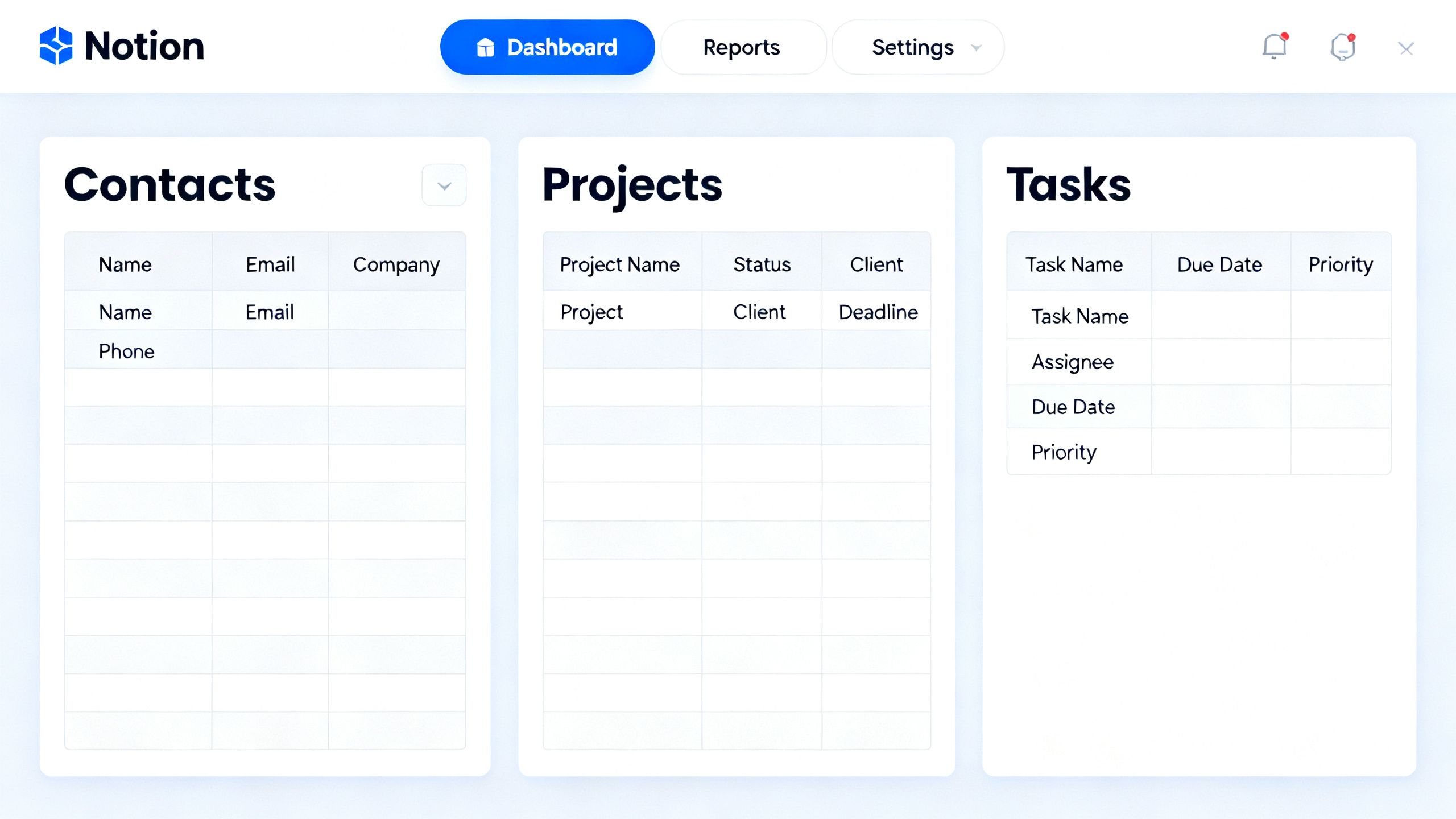
Pipedrive is built for one thing: closing deals. It's a sales-focused CRM that's all about visualizing your pipeline and moving leads from one stage to the next. It's the best choice for solopreneurs whose business model is heavily reliant on a structured sales process, like B2B consultants or agency owners. Its standout features are the incredibly intuitive drag-and-drop pipeline view, activity reminders that prompt you for the next action, and powerful reporting that shows you where deals are stalling. Pipedrive doesn't have a free plan, but it offers a 14-day trial. Its pricing is reasonable, starting with the Essential plan for core pipeline management.
Zoho CRM
Zoho CRM is a powerhouse option for the budget-conscious solopreneur who needs a tool that can scale significantly. It's part of the massive Zoho ecosystem, which means it integrates seamlessly with dozens of other Zoho apps for invoicing, marketing, and support. It's best for solopreneurs who anticipate future growth and want a platform that can evolve into a full business operating system. Standout features include its robust free plan for up to three users, advanced analytics, and AI-powered assistant, Zia. While the interface can feel a bit dated and overwhelming compared to others, the sheer number of features included at its price point is unmatched.

Which CRM Tools Should You Choose?
Let's cut to the chase. You don't need five options; you need the one right option for you.
For the vast majority of solopreneurs, HubSpot CRM is the best choice. Its free plan is a complete business-in-a-box. You get contact management, deal pipelines, email tracking, and a meeting scheduler without paying a dime. It’s the perfect platform to start with and provides a clear upgrade path as your business grows. It strikes the perfect balance between power and usability for a one-person show.
For freelancers and consultants whose business is built on their network, Folk is a fantastic, modern alternative. If the idea of a traditional sales pipeline feels too corporate, Folk's relationship-first approach will feel like a breath of fresh air. It's designed for managing connections, not just closing deals, which is a subtle but important distinction for many service-based solopreneurs.
If you're a solopreneur scaling into a small business with a dedicated sales process, Pipedrive is your best bet. Its laser focus on pipeline management helps you stay organized and ensures no opportunity slips through the cracks. It's less of an all-in-one platform and more of a specialized sales machine, which is exactly what you need when growth accelerates.
CRM Tools Comparison Table
Frequently Asked Questions About Best CRM for Solopreneurs
Do I really need a CRM as a solopreneur?
Yes. While a spreadsheet might work for your first few clients, it's a reactive system. A CRM is proactive. It reminds you to follow up, tracks your entire conversation history, and gives you a clear picture of your sales pipeline. It's the foundation for moving from a hobbyist to a professional business owner.
How much should I pay for a CRM?
As a solopreneur, you should start by paying $0. Tools like HubSpot and Zoho offer incredible free-forever plans that are more than enough for most one-person businesses. Only consider upgrading to a paid plan when you have a specific need, like advanced automation or email sequencing, that will directly translate to more revenue.

Are these CRMs hard to set up?
No. The tools on this list were specifically chosen for their ease of use. Most, like Folk and HubSpot, are designed to be intuitive and can be set up in under an hour. The biggest task is importing your existing contacts, but all of these platforms have straightforward tools to make that process as painless as possible.
Can these CRMs integrate with my email and calendar?
Absolutely. This is a non-negotiable feature. All the top picks on this list offer seamless integration with Google Workspace (Gmail, Calendar) and Microsoft 365 (Outlook). This allows you to track emails, sync meetings, and manage your day without constantly switching between tabs.
Final Thoughts on Best CRM for Solopreneurs
Choosing the best CRM for solopreneurs comes down to picking a simple, affordable system that you will actually use. For most, that system is HubSpot CRM. To learn more, explore our full, in-depth reviews in the best CRM tools category and check out our other articles on the blog. My recommendations are based on 16 years of real-world testing, so you can be confident you're getting advice that works for businesses just like yours.
HubSpot CRM
HubSpot CRM is the most widely used free CRM platform in the world — providing contact management, deal tracking, email integration, meeting scheduling and basic reporting at zero cost with no time limit, no credit card required and no feature restrictions behind a trial wall. For freelancers who primarily need to organise client information, track relationship stage and manage lead follow-up rather than handle the full proposal-to-invoice client lifecycle, HubSpot’s free tier is the most capable free option available. The free plan provides contact management for up to 1,000,000 contacts (far beyond any freelancer’s requirements), deal tracking with customisable pipeline stages, email logging and tracking, meeting scheduling links, basic task management and a shared inbox for team email. For freelancers who rename the default sales pipeline stages to match their client workflow — “New Inquiry”, “Proposal Sent”, “Active Project”, “Awaiting Final Invoice” — HubSpot’s deal pipeline becomes a functional client relationship tracker at zero cost. HubSpot’s integration ecosystem is the broadest in the CRM category. Connecting HubSpot to Gmail, Outlook, Slack, Zoom, Calendly, Stripe, Zapier and hundreds of other business tools is available on the free plan. For freelancers who want their CRM to sit at the centre of their full tool stack with data flowing automatically from email, calendar, payment processor and project management tools, HubSpot’s integration breadth is unmatched by any free alternative. The email tracking feature shows when contacts open emails and click links, providing insight into client engagement with proposals, invoices and project updates without the solopreneur needing to follow up blindly. Meeting links allow clients to book time directly in the solopreneur’s calendar, synced to Google Calendar or Outlook without a separate scheduling tool. Pricing: Free CRM forever (unlimited contacts, basic features). Starter at $15/user/month. Professional at $100/month. Enterprise at custom pricing.
Pros
- Completely free forever with no contact limits — the most capable free CRM available for freelancers
- Deal pipeline customisable for client lifecycle stages — rename to match freelance workflow
- Email tracking shows when contacts open and click — engagement insight without manual follow-up
- Broadest integration ecosystem in the CRM category — connects to virtually every business tool
- Meeting scheduling links sync to Google Calendar or Outlook without a separate tool
Cons
- Free CRM uses sales terminology (deals, pipelines, leads) that feels awkward for ongoing client retainer management
- Invoicing, contracts and proposal features not included in the free plan — require paid Sales Hub upgrade
- Professional plan at $100+/month required for advanced automation and deeper reporting
- Feature breadth creates a steeper learning curve than dedicated freelance tools like HoneyBook or Plutio
- Free plan contact limit caps at 1,000 contacts for the most basic features
Pipedrive
Pipedrive was founded in 2010 by salespeople who were fed up with enterprise CRMs built for organisations and managers rather than for the people actually making sales. That origin story shows in every aspect of the product. Where HubSpot is an all-in-one marketing and sales platform, Pipedrive does one thing exceptionally well: helping you close deals. The visual, drag-and-drop pipeline is the heart of Pipedrive. You see every active deal at a glance, in the stage it's in, with the next action clearly defined. Moving deals between stages is a single drag. The activity-based selling philosophy means every deal always has a defined next action — a call to make, an email to send, a meeting to schedule — so no opportunity falls through the cracks. For solopreneurs managing every aspect of their business, this action-oriented approach is genuinely valuable. The consensus on r/sales and across independent CRM reviews is consistent: Pipedrive is the go-to choice for teams that live in their pipeline and don't need marketing automation. One professional tester described it as taking the best parts of Salesforce and flushing the stuff that really sucks — Pipedrive THAT much of an improvement from most CRMs. The marketplace of 400+ integrations and optional add-ons like LeadBooster allow you to extend functionality without paying for features you don't need from day one. The affiliate programme pays 20-33% recurring commissions with a 90-day cookie, scaling with the number of referrals.
Pros
- Best visual pipeline interface in the market — built by salespeople for salespeople
- Activity-based selling ensures every deal always has a defined next action
- 400+ integrations covering every major sales and productivity tool
- Scales from $14/user/month with no enterprise complexity
- 20-33% recurring affiliate commission with 90-day cookie
Cons
- No free plan — minimum $14/user/month
- Limited marketing automation — requires separate tool for email campaigns
- Less suitable for businesses where marketing is as important as sales
- Add-ons (LeadBooster, Campaigns) increase cost quickly
- Less depth than HubSpot for businesses wanting all-in-one marketing + sales
Zoho CRM
Zoho CRM is the value champion of the CRM market — delivering enterprise-grade features at a price point that makes Salesforce and HubSpot Professional look disproportionately expensive. The Standard plan at $14/user/month includes task management, workflow automation, basic AI via Zia, email marketing and 800+ integrations. The Professional plan at $23/user/month adds inventory management, SalesSignals and custom modules. Compare this to HubSpot Professional at $100/seat/month or Salesforce Professional at $75/user/month, and Zoho's value proposition becomes immediately compelling. The free plan covers up to 3 users with lead, contact and deal management — making it genuinely useful for solopreneurs who might eventually bring on a virtual assistant or collaborator. The defining advantage of Zoho CRM is its position within Zoho's ecosystem of 45+ business applications. If you're also using Zoho Books (accounting), Zoho Projects (project management), Zoho Campaigns (email marketing) or Zoho Desk (customer support), the native integrations between all these tools create a unified operational hub that no competitor at this price matches. Zia, Zoho's AI assistant, provides predictive sales forecasting, anomaly detection and lead scoring — genuinely advanced AI capabilities for a platform starting at $14/user/month. The 4.3x annual cost difference between Zoho Professional and HubSpot Professional is the clearest expression of Zoho's value positioning.
Pros
- Enterprise features at a fraction of HubSpot and Salesforce pricing
- Zia AI for predictive forecasting, lead scoring and anomaly detection
- Native integration with 45+ Zoho apps — accounting, projects, marketing in one ecosystem
- Free plan for up to 3 users with lead and contact management
- 800+ third-party integrations covering virtually every business tool
Cons
- Interface less modern than HubSpot or Pipedrive
- Steep learning curve for accessing full feature depth
- Customer support can be slow to respond
- Free plan limited to 3 users
- Best features (Zia AI, Blueprint, Canvas) require higher-tier plans



